Start the competition
Before the start
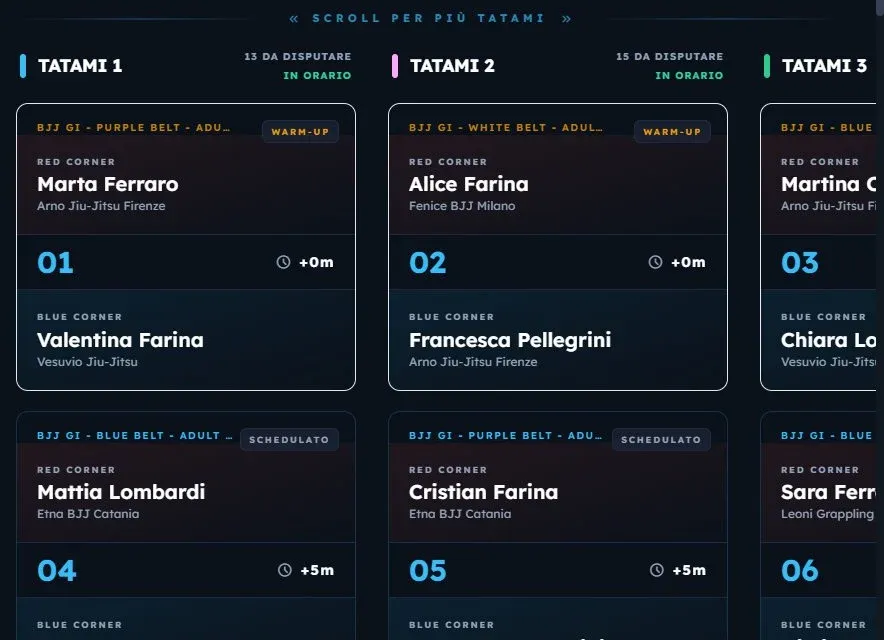
Section titled “Before the start”Before the start, the Tatami Live page shows the provisional schedule: brackets and times worked out from the entries at that moment. It’s for checking how the mats are filled and giving clubs and athletes an idea of the times.
Avvia Evento — start event
Section titled “Avvia Evento — start event”From Stato evento, in the Gestione Competizione section, press Avvia Evento. KombatControl:
- generates the official brackets of every category with entries, in the format the rulebook sets for their number;
- spreads the categories across the mats, balancing the load and respecting each mat’s disciplines; a category stays entirely on the same mat;
- gives every match a time, respecting every athlete’s rest even across different mats.
| Valid entries | Bracket format |
|---|---|
| 1 | No match |
| 2 | Best of three |
| 3 to 5 | Round robin |
| More | Single elimination |
Some rulebooks set their own thresholds: in Duo, for example, up to twelve couples fight two pools and the semi-finals.
Avvia Live — go live
Section titled “Avvia Live — go live”When the competition really begins, press Avvia Live. From that moment the mat times count from the real start, and the schedule recalculates after every finished match.