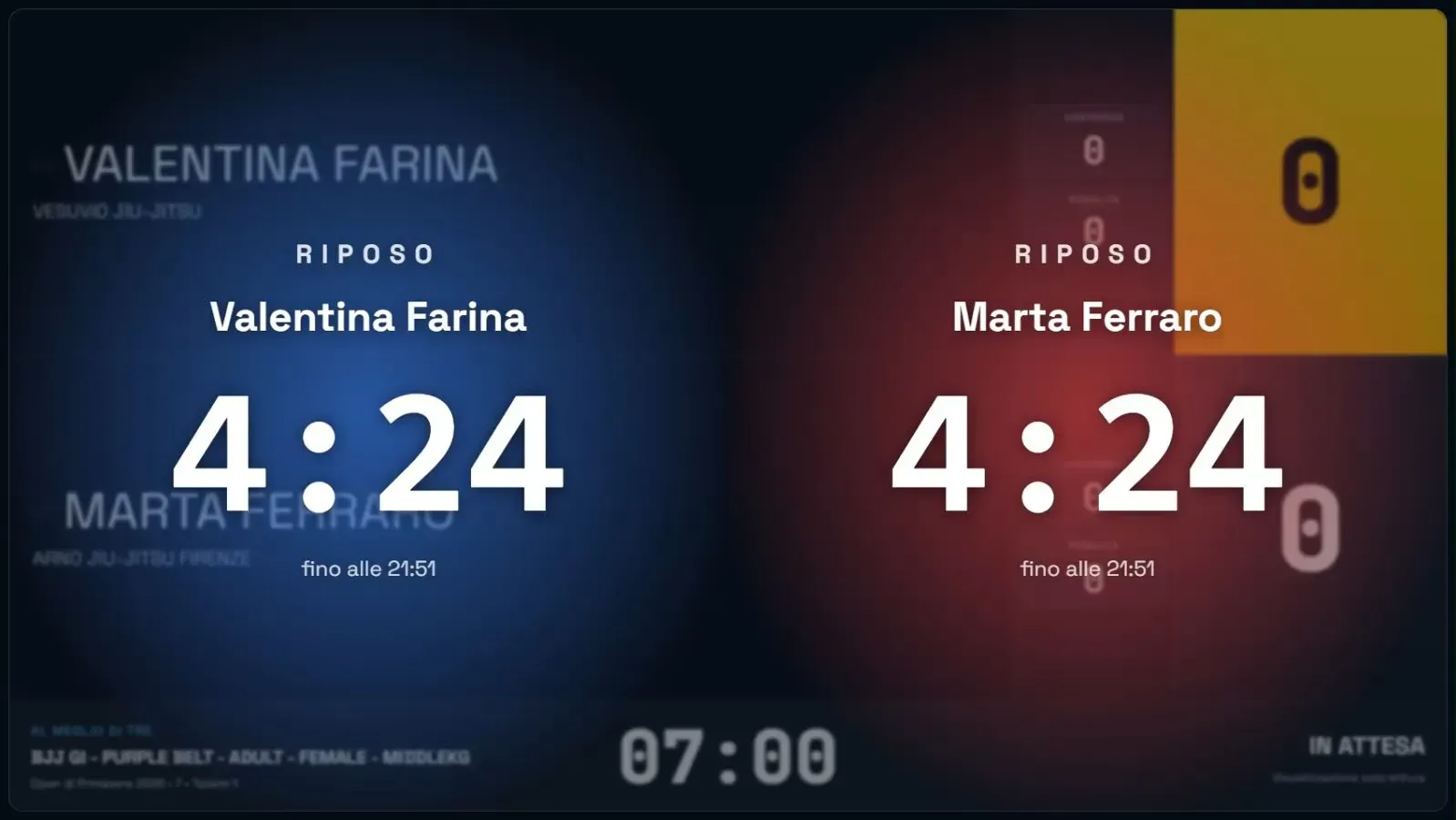
The projected scoreboard
Tabellone punti (scoreboard) opens a second window of the app: the scoreboard for the audience. Drag it onto the projector or the second screen and make it full screen.
- It shows athletes, clubs, score, clock and category of the match in progress.
- It uses the rulebook’s corner colours: red and blue in JJIF Fighting and Ne-Waza.
- During the rest it shows each athlete’s countdown.
- In Fighting it shows the osae-komi inside the row of the athlete holding down.
The window reads its data from the table’s computer, not from the network: it stays in step with the table even if the connection drops.